Designs · 7 min read
Build a reusable design from screenshots of a format you like
Turn screenshots of a slideshow format into your own design with a vision-capable AI.
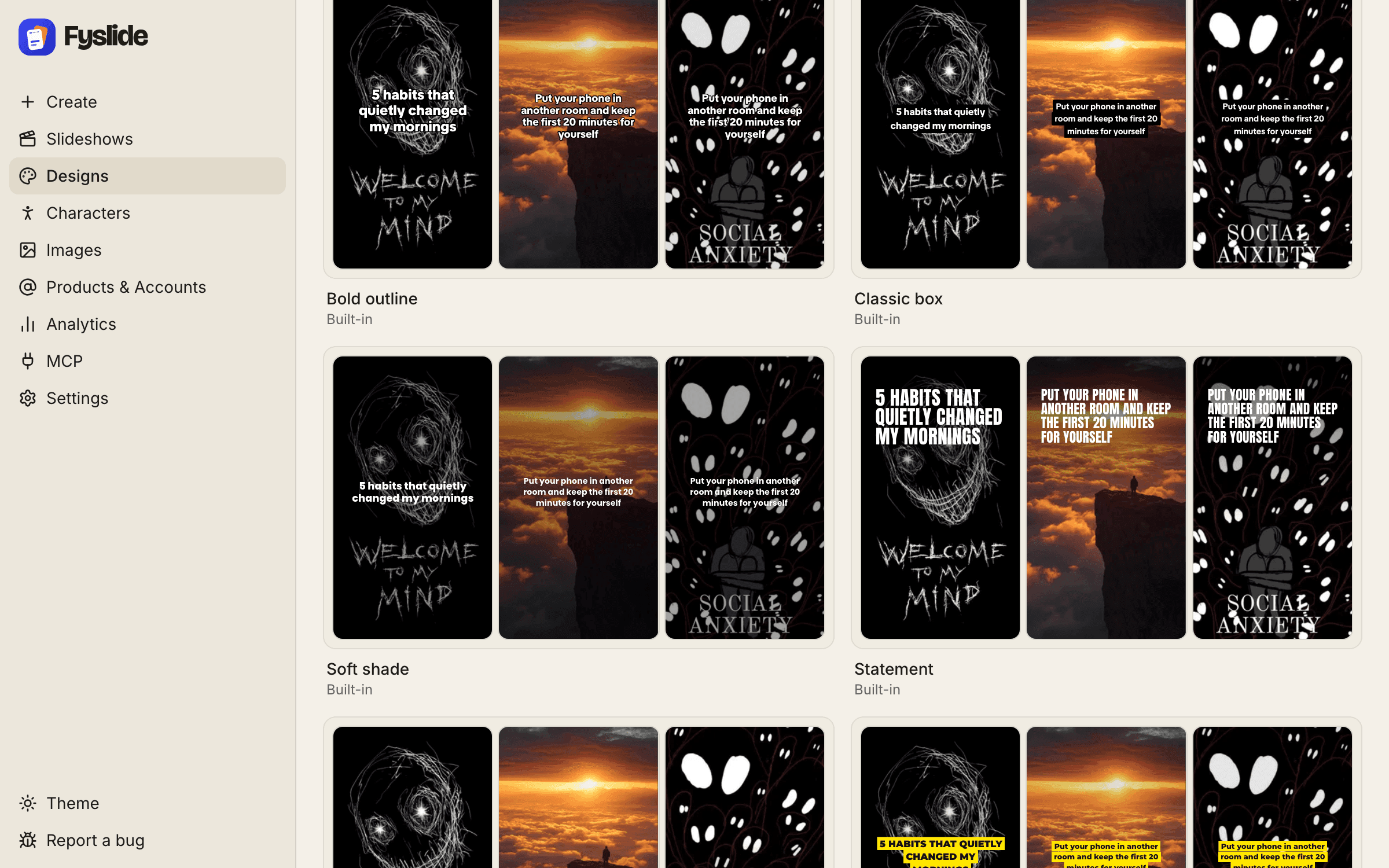
Seen a slideshow format that works? Fyslide can turn screenshots of it into a reusable design: the layout, text positions and styling, ready for your own topics and images.
What you need
- A vision-capable AI: Claude Code, Codex CLI, Gemini CLI, an Anthropic or OpenAI API key, or Ollama with a vision model such as
qwen2.5vl. See AI setup. - A few screenshots of the format, ideally the first slide and one or two content slides.
1. Take clean screenshots
Capture full slides without overlapping app UI where you can. Two or three screenshots that show the different slide types (cover, content, closing) give the AI the clearest picture.
2. Create a design from them
In Designs, click New from screenshots and add your files (drag and drop or choose files; drag to put them in slide order), then click Create design. Fyslide sends them to your vision AI, which describes the layout so Fyslide can rebuild it as an editable design.
3. Pick the fonts
Fonts cannot be read from pixels, so Fyslide shows the closest candidates for each kind of text. Choose the ones that match and click Use these fonts.
4. Review and adjust
Open the new design in the editor. Check text sizes, positions and colors, and fix anything the AI misread. From now on it behaves like any other design: pick it in Create and give it a topic.
Make it yours
Use a format as inspiration, not as a copy. Change colors and fonts to match your brand, and use your own images or properly licensed ones. Respect other creators’ work and the platforms’ rules.
More on editing and writing styles in the Designs guide.